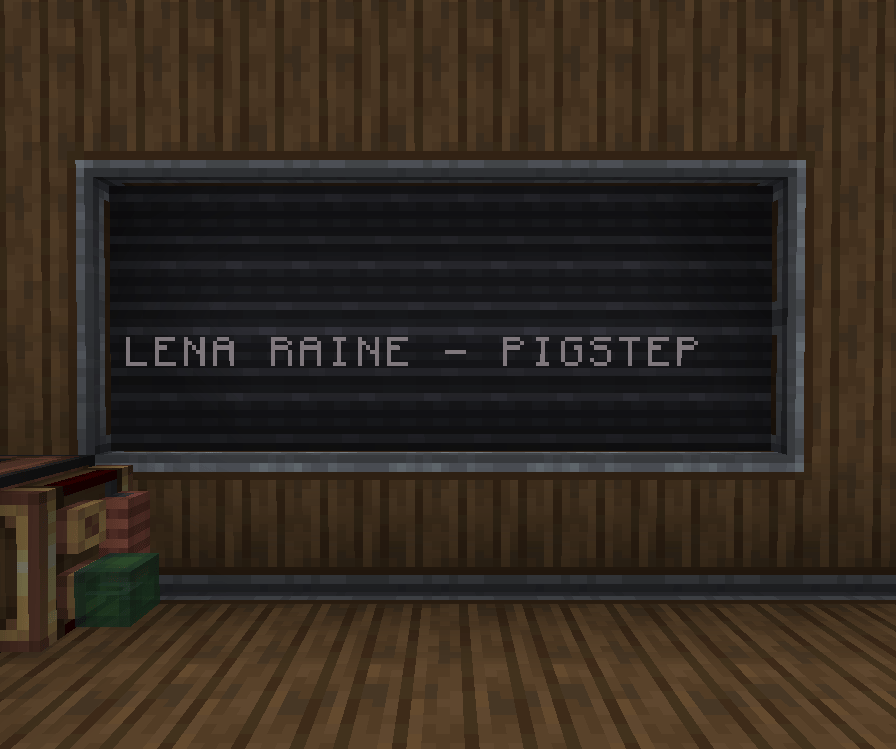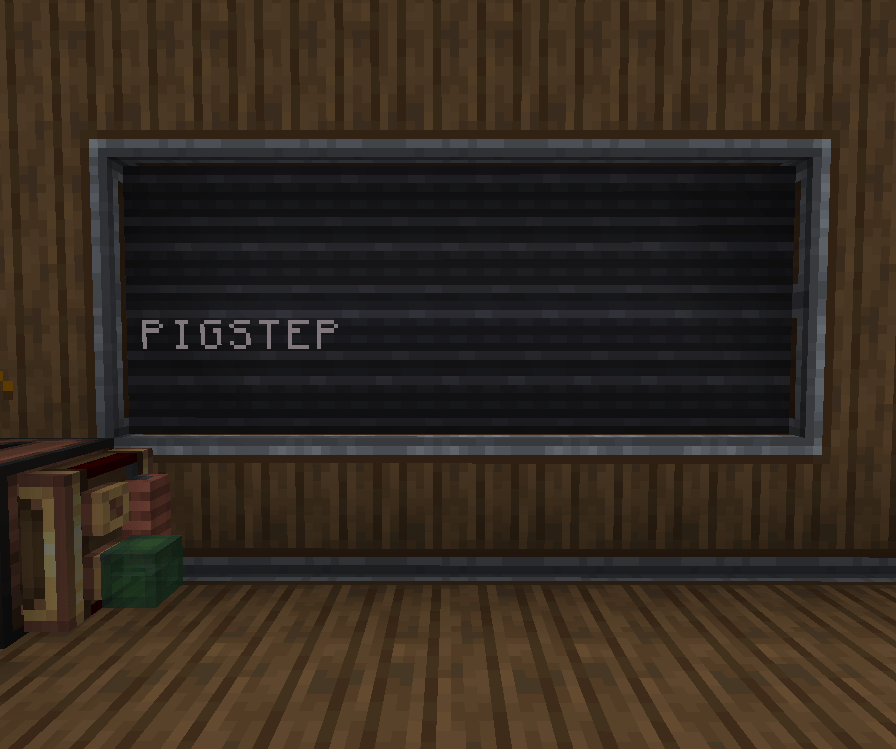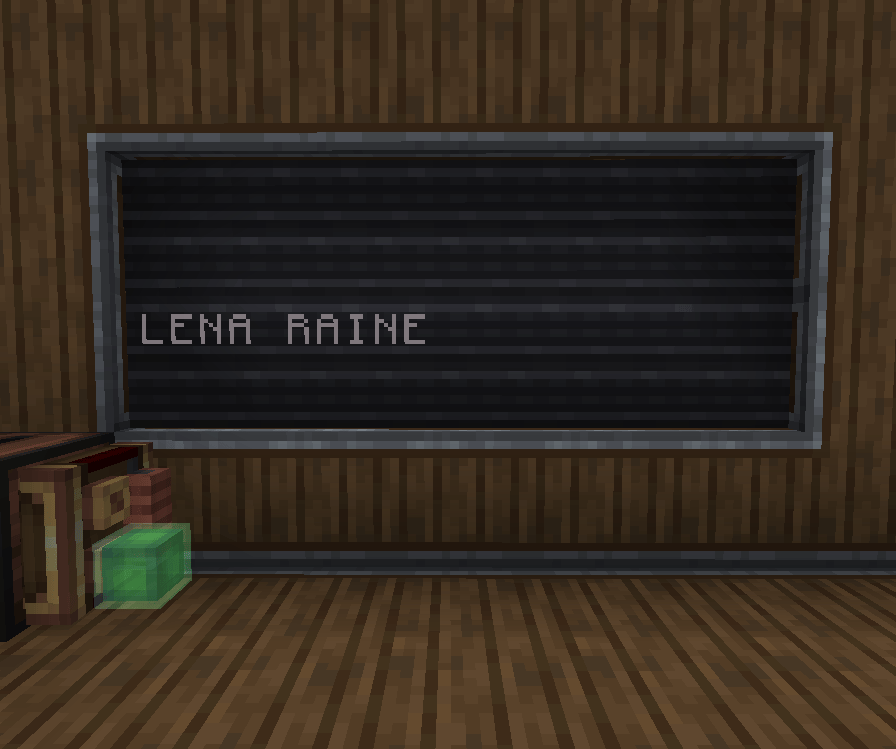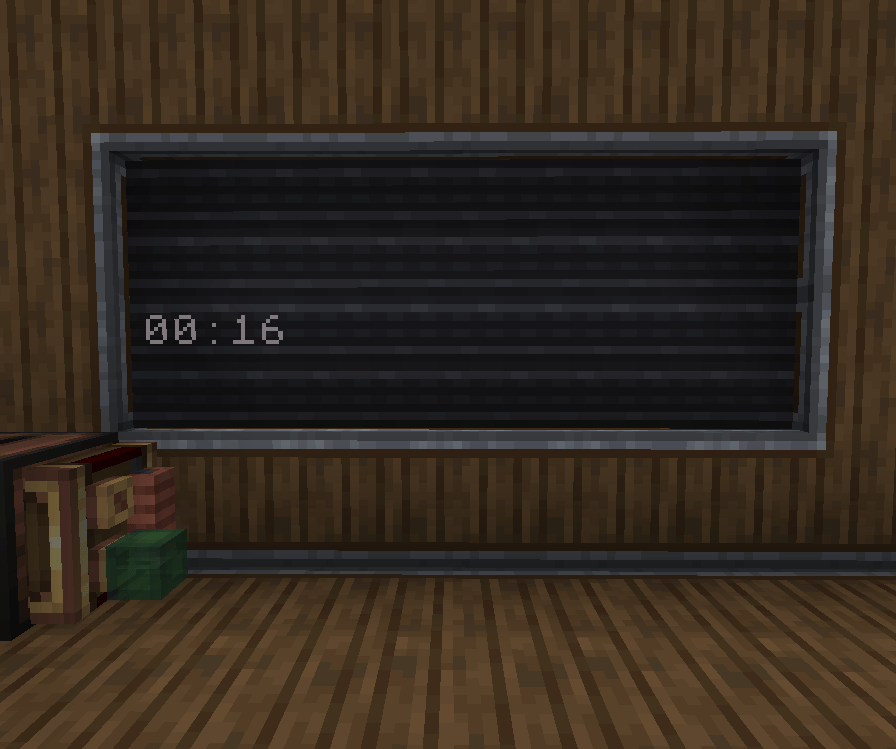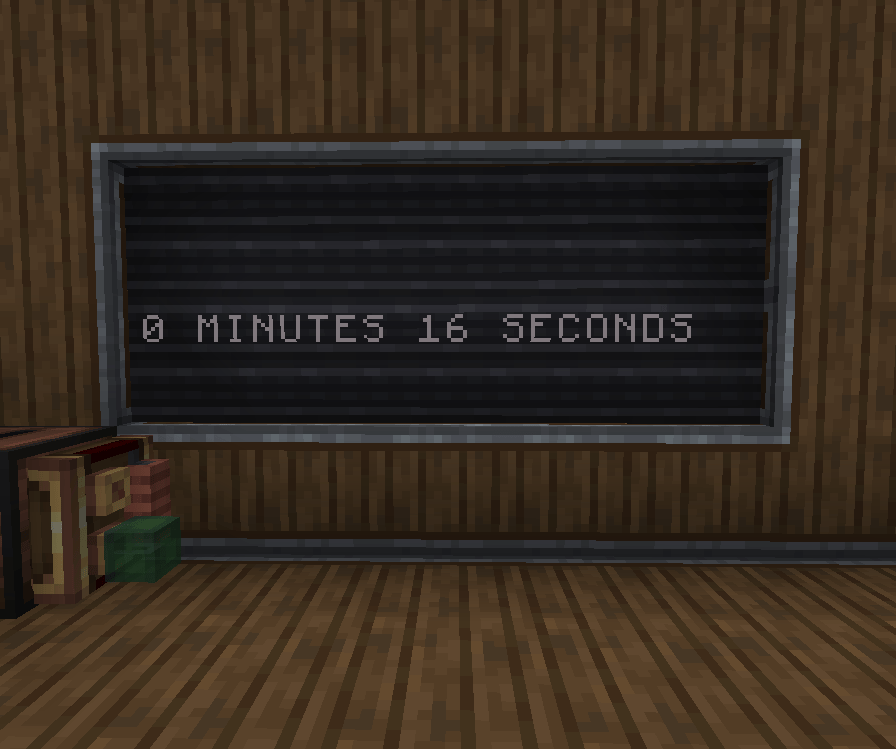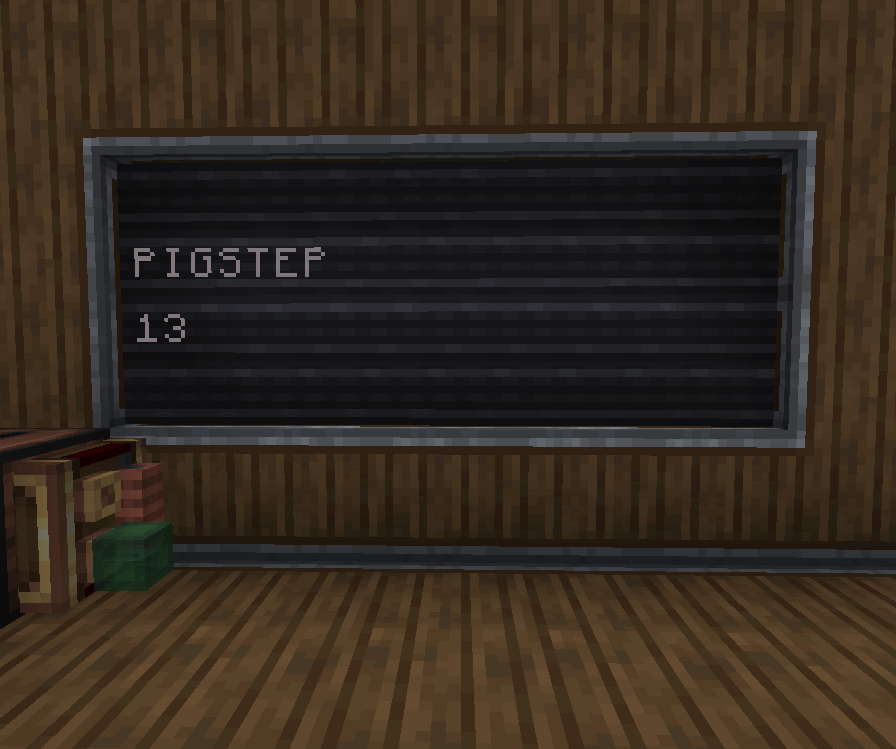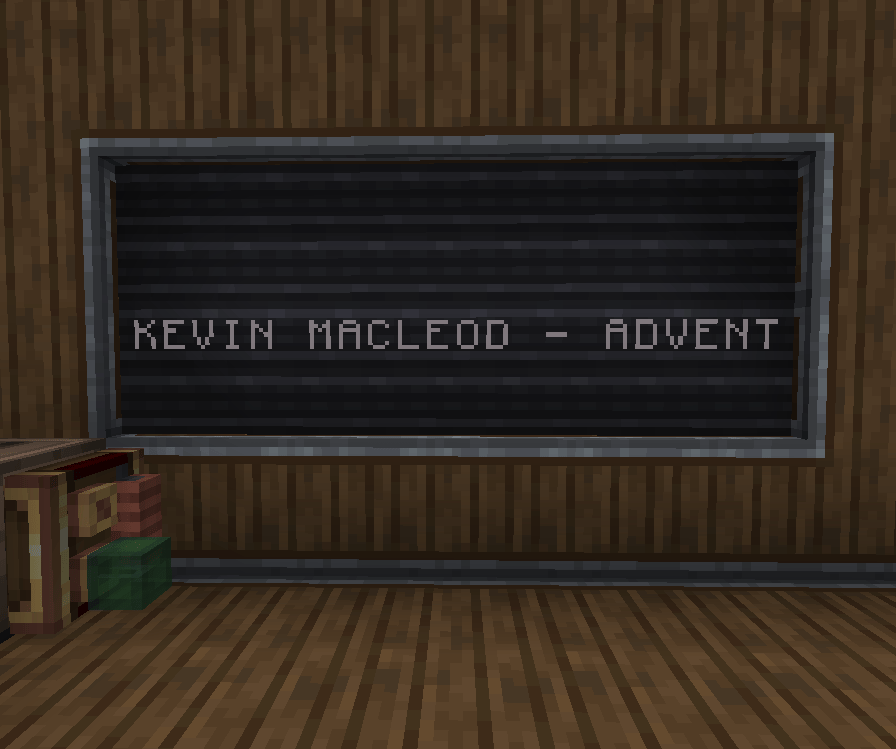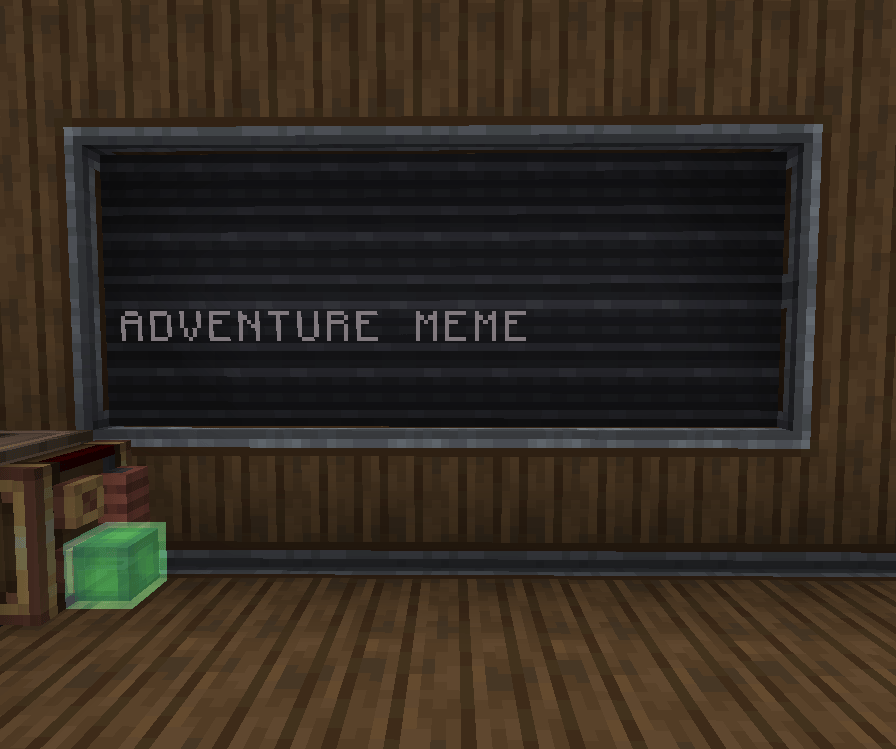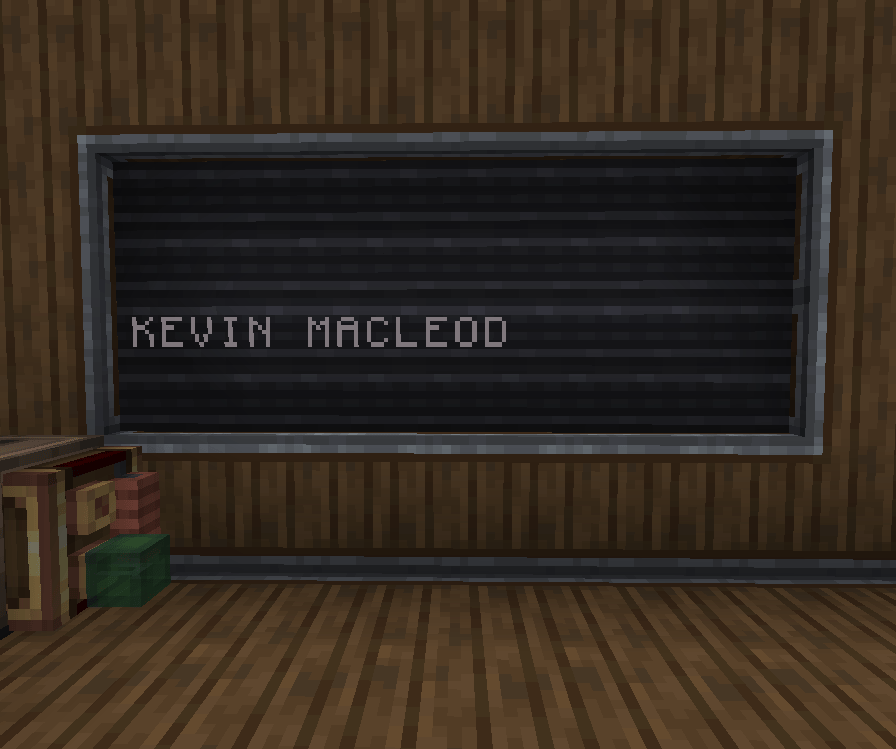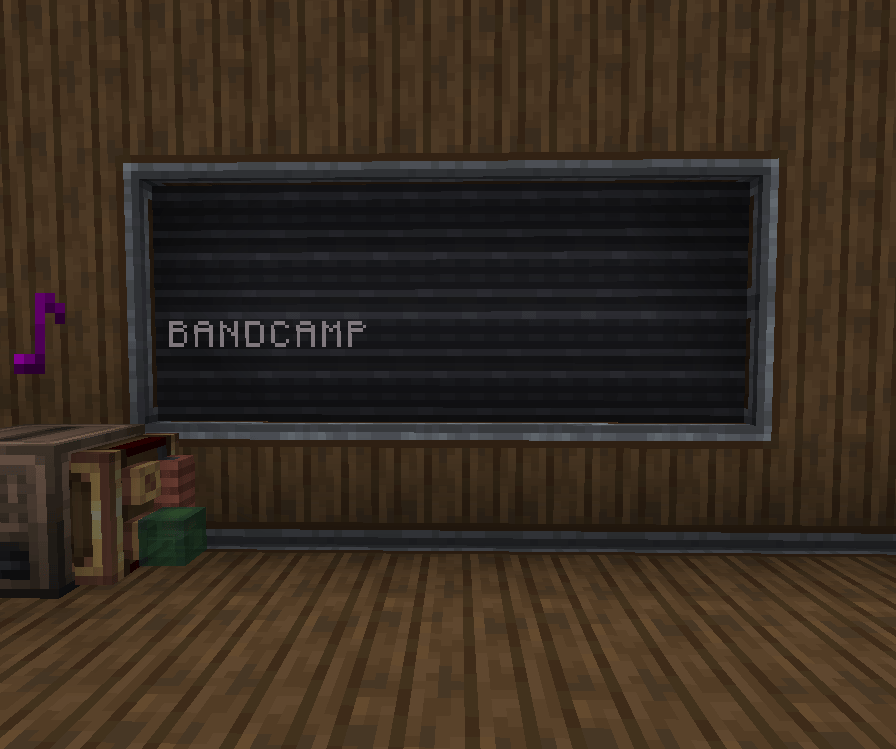
The mod adds 3 new display outputs: Current Song, Song Title, and Artist Name

What is This Stuff?

Display Boards are a Create component that allows text to be displayed when given rotational power.
1

Craft a Display Board

2

Power your Display Board

Display Boards run on rotational power from the side using a cogwheel. The exposed cog on the other 3 sides can be used to power additional Display Boards.30 RPM of rotation must be provided, but the number of Display Boards can scale up without increasing the power input.

Display Links can only be used with Display Sources Create: Jukebox Display adds the Jukebox as a compatible source, with 3 available output modes. To link a Jukebox (or any display source) to a Display Board:
https://mintcdn.com/ducky-c8b7b49a/oEbd00tK3rFspoX8/images/minecraft_items/create/electron_tube.png?fit=max&auto=format&n=oEbd00tK3rFspoX8&q=85&s=5ab1da596f4282aafd0d66b5e5e3385b

Power a Display Board

Refer to the “What are Display Boards” section to get a Display Board up and running.
https://mintcdn.com/ducky-c8b7b49a/oEbd00tK3rFspoX8/images/minecraft_items/create/display_link.png?fit=max&auto=format&n=oEbd00tK3rFspoX8&q=85&s=6c28408004b690f2b0c612bd3e0b5940

Link the Source to the Target

Once you’ve placed your display source (Jukebox,) use the Display Link on your board, then place it on the Jukebox.
https://mintcdn.com/ducky-c8b7b49a/oEbd00tK3rFspoX8/images/minecraft_items/disc_precipice.png?fit=max&auto=format&n=oEbd00tK3rFspoX8&q=85&s=8dae7d198d0a5a7f8c62e6c21791e3e0

Configure the Output

Right-click the https://mintcdn.com/ducky-c8b7b49a/oEbd00tK3rFspoX8/images/minecraft_items/create/display_link.png?fit=max&auto=format&n=oEbd00tK3rFspoX8&q=85&s=6c28408004b690f2b0c612bd3e0b5940 Display Link to configure its output.